

How it works
Every payment your agent makes from its Locus wallet goes through the same checks:
These limits cover agent tool calls, USDC transfers to addresses and emails, task orders, checkout payments, and paid Laso card operations.
Set your limits
1
Open the dashboard
Sign in to the Locus dashboard.
2
Set the three limits
Enter an allowance, a maximum transaction size, and an approval threshold.
3
Test them
Use a sandbox key to see how your agent handles each limit before it spends real funds.
Approve a payment
When a payment is above your approval threshold, your agent pauses and asks you.1
Get the request
Your agent sends you an approval link, and the request also appears in Approvals.
2
Decide
Approve or deny the request.
3
Your agent continues
Your agent receives the outcome. For an agent tool call, approval runs the stored request automatically, and your agent collects the result.
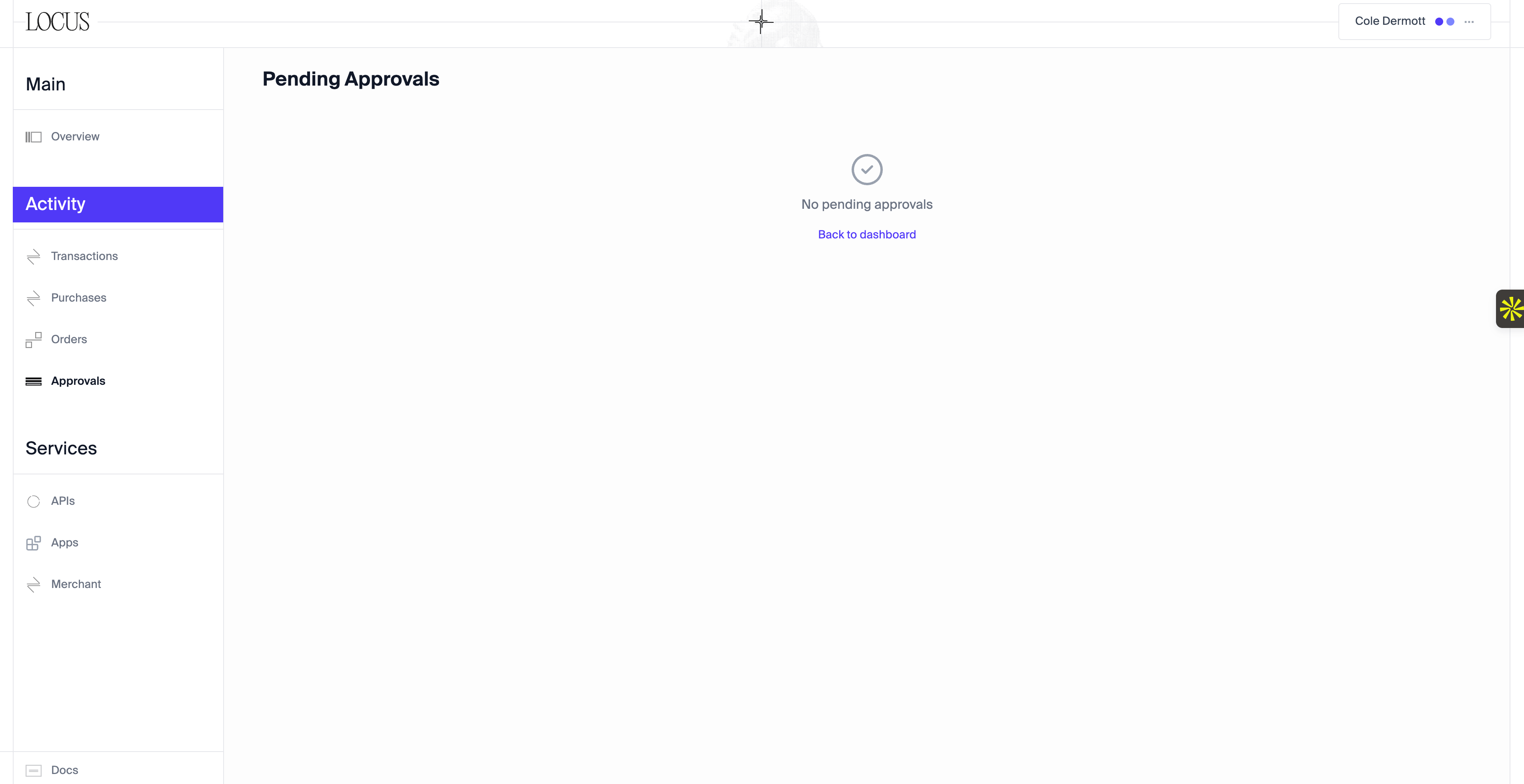
Pending approvals
What the limits don’t cover
Agents that pay a Locus tool directly from their own wallet, through MPP or x402, aren’t using your Locus wallet, so these limits don’t apply to them.Next steps
Platform walkthrough
Review transactions and your agent’s reasoning.
Wallets
See who controls the wallet and its keys.