

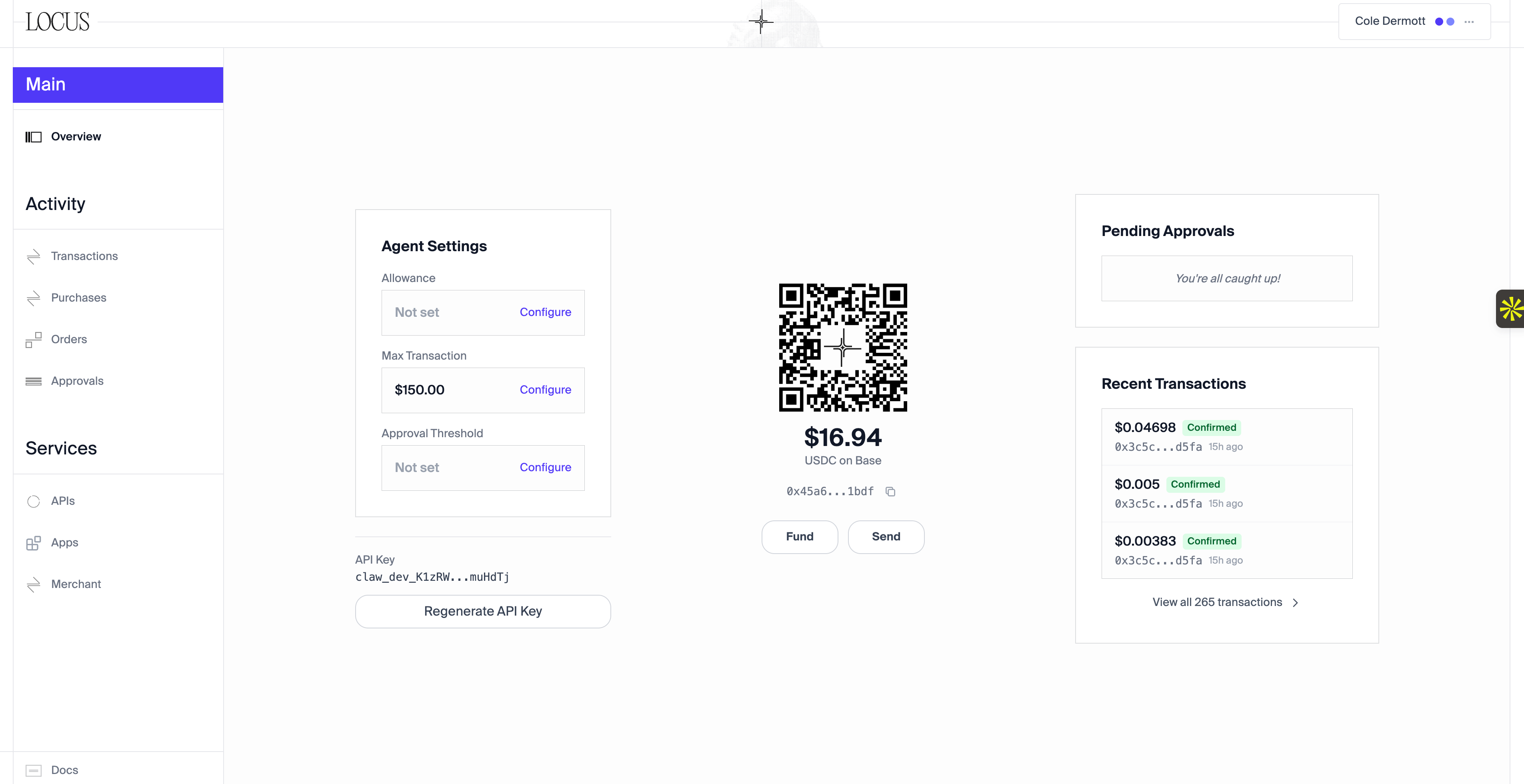
Dashboard overview
Wallet
The Overview page shows your wallet address and USDC balance on Base.- Fund adds money through Coinbase Pay.
- Send transfers USDC to a Base wallet address or an email recipient.
Agent settings
API key
Use this key to connect your agent. Regenerate it if you need to replace its credentials.Agent spend limits
You can adjust these limits at any time.
Agent tools
Open Services → Agent tools to search by provider, capability, source, or category.- Review a provider’s tools, request fields, and estimated prices.
- Use provider and tool toggles to restrict your agent. Locus-managed tools start enabled.
- Select Add custom tool to register another paid endpoint.
- Browse external listings from Parse, Merit Systems, MPP, and Orthogonal.
Build with Locus
Use the Build tab to view projects, track deployments, inspect logs, manage Postgres or Redis addons, and connect domains. Your agent can deploy through the API while you follow progress in the dashboard.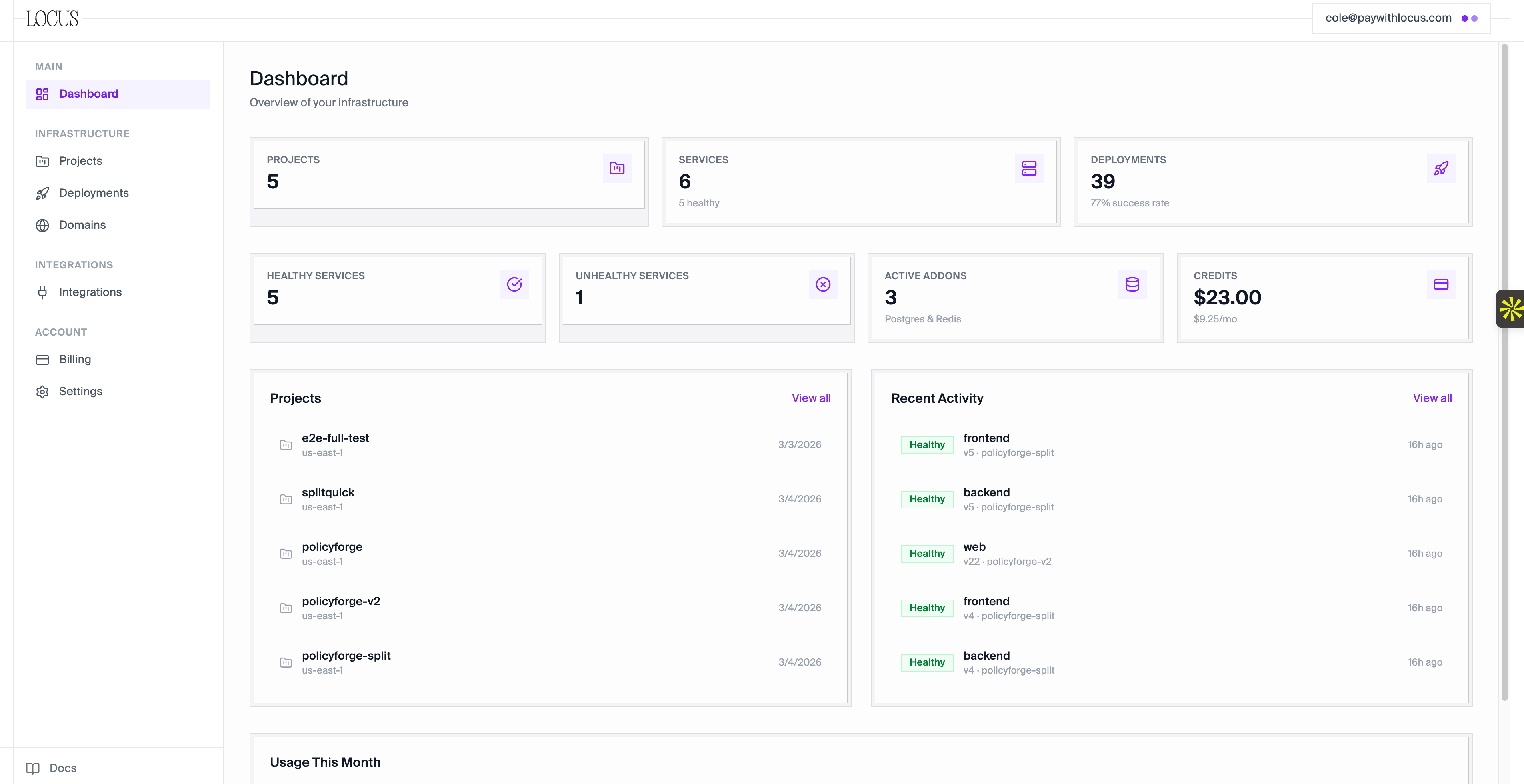
Projects and deployments
Checkout
The Checkout tab contains your products, checkout transactions, merchant API key, and integration details.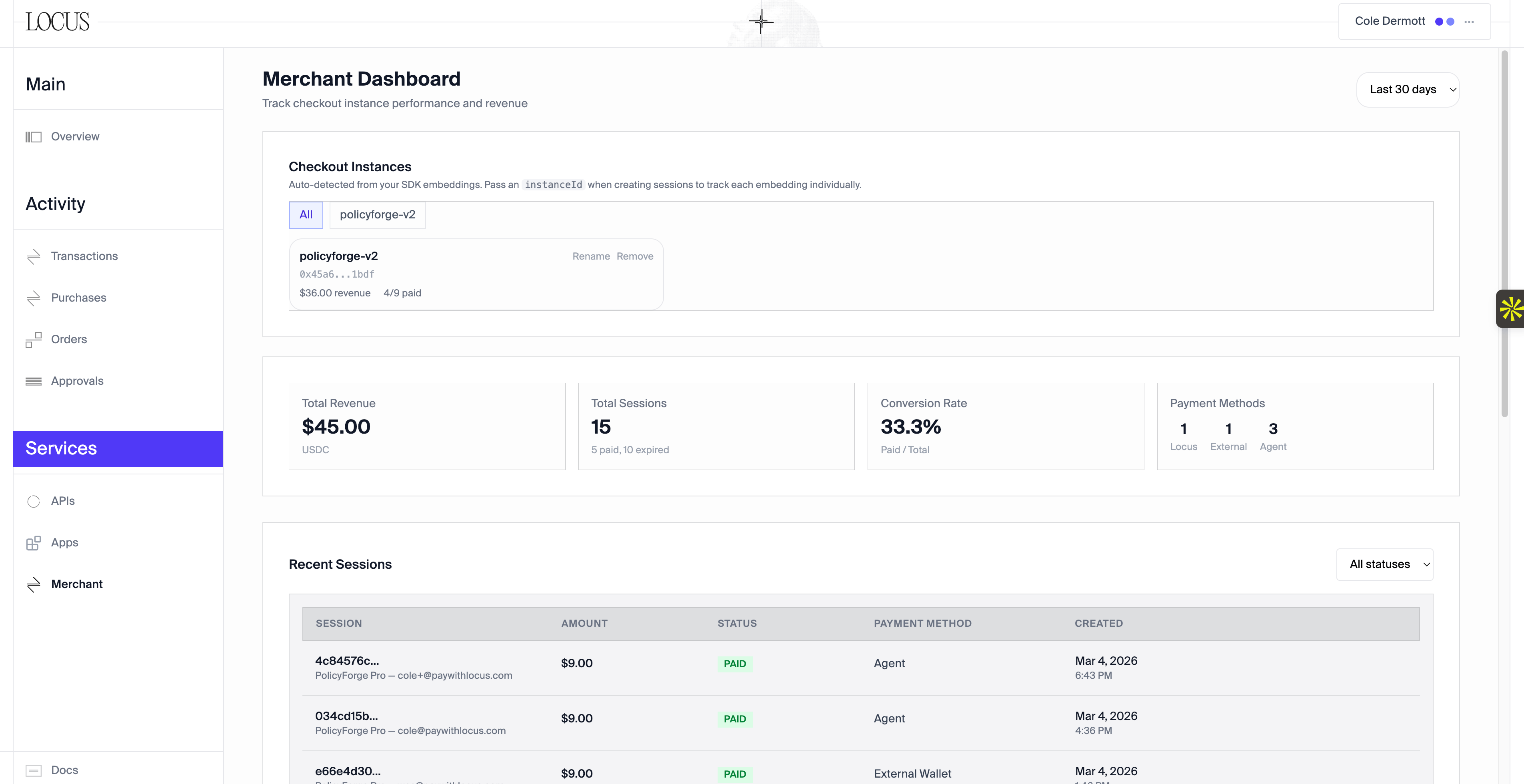
Checkout management
Transactions
Review transfers, tool charges, and checkout payments in Transactions. Each entry includes its amount, recipient, timestamp, and the agent’s reasoning when available.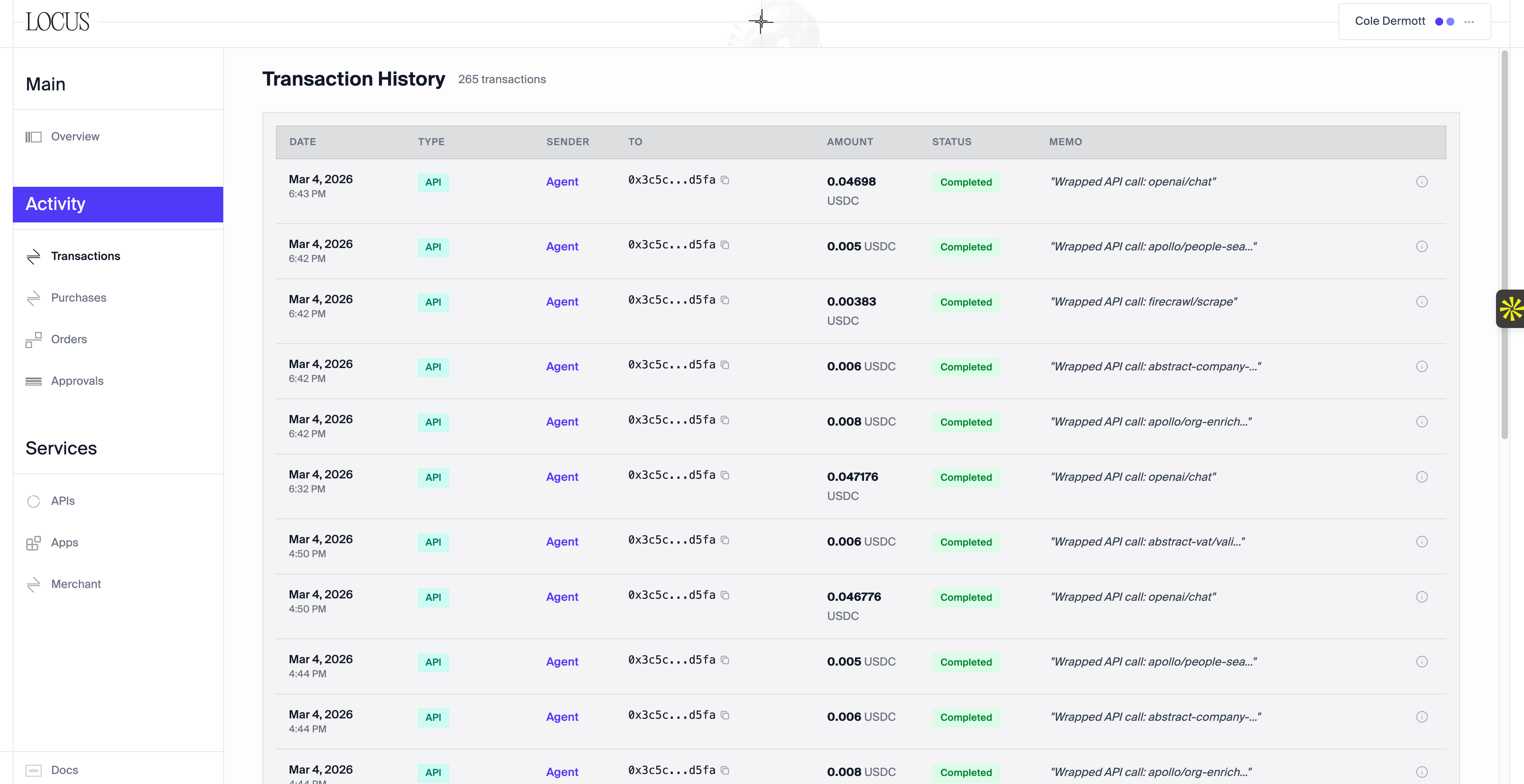
Wallet activity
Approvals
Payments above your approval threshold appear in Approvals. Approve or deny each request; your agent receives the outcome.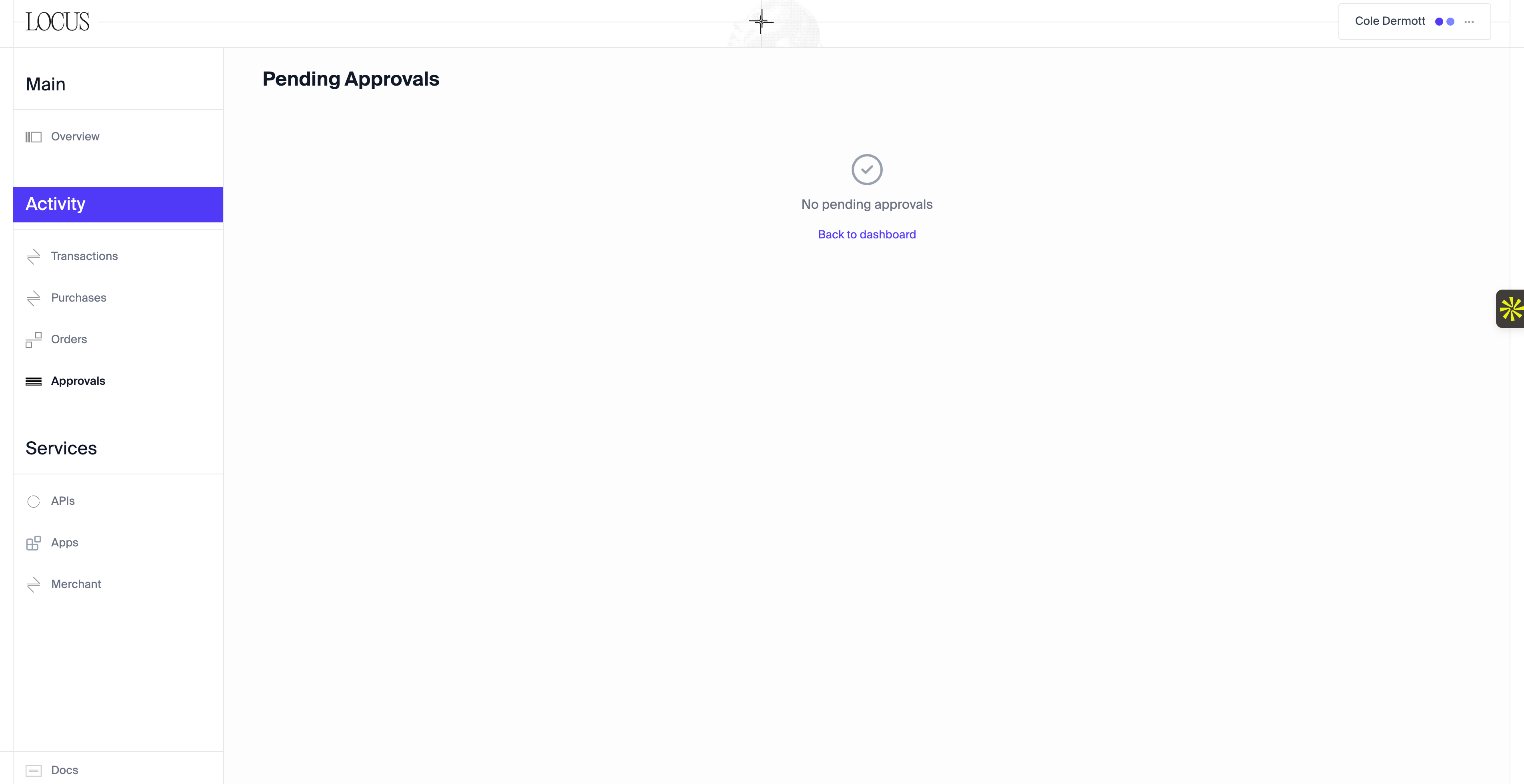
Pending approvals